Hello friends, I hope you all are doing great. Today, I am going to share the nRF52833 DK Library for Proteus, so you can run a Bluetooth LE simulation of Nordic Semiconductor's nRF52833 development kit. The nRF52833 is an Arm Cortex-M4F with 512 KB of flash, 128 KB of RAM, Bluetooth LE, 802.15.4 for Thread, NFC and USB - a chip built for products that must work for years, such as industrial sensors and smart home devices. With this library the DK runs your Arduino sketch in Proteus 8.5, reads sensors on its Arduino header and talks to a phone over Bluetooth LE. For the demo we built a Bluetooth parking assistant. An HC-SR04 ultrasonic sensor on the garage wall measures the distance to the car, the four LEDs of the DK show how close it is, and a phone shows the distance, the zone and the cars parked. NOTICE: Proteus has no nRF52833 model, so our team has put a lot of effort into building this board ourselves: the pins, the LEDs, the buttons and Bluetooth LE are all our own model, and your sketch compiles with our free TEP Boards for Proteus add-on. Your feedback is the fuel that keeps us going, so please tell us what you think in the comments below. And if our free libraries help you, you can buy us a coffee. So, let's get started with the nRF52833 DK Library for Proteus: The nRF52833 DK (PCA10100) is Nordic Semiconductor's development kit for the nRF52833. The chip sits between the popular nRF52832 and the bigger nRF52840: it keeps the Cortex-M4F with its floating-point ...
Hello friends, I hope you all are doing great. Today, I am going to share the nRF52 DK Library for Proteus, so you can run a Bluetooth LE simulation of Nordic Semiconductor's classic development kit. The nRF52 DK carries the nRF52832, an Arm Cortex-M4F at 64 MHz with Bluetooth LE and NFC, the chip inside countless wearables, beacons and sensors. With this library it runs your Arduino sketch in Proteus 8.5, talks to a phone over Bluetooth LE, and its four LEDs and four buttons behave exactly like on the real board - even the way they share the Arduino header pins. For the demo we built a Bluetooth classroom poll. The four buttons are the answers A to D, the LED of the leading answer lights up, and the teacher's phone shows every count as the votes come in. NOTICE: Proteus has no nRF52832 model, so our team has put a lot of effort into building this board ourselves: the pins, the LEDs, the buttons and Bluetooth LE are all our own model, and your sketch compiles with our free TEP Boards for Proteus add-on. Your feedback is the fuel that keeps us going, so please tell us what you think in the comments below. And if our free libraries help you, you can buy us a coffee. So, let's get started with the nRF52 DK Library for Proteus: The nRF52 DK (PCA10040) is Nordic Semiconductor's development kit for the nRF52832, one of the most widely used Bluetooth LE chips. The nRF52832 combines an Arm Cortex-M4F at 64 MHz, 512 KB of flash, 64 KB of RAM, a 2.4 GHz radio and NFC. The kit adds a ...
Hello friends, I hope you all are doing great. Today, I am going to share the xG26 Dev Kit Library for Proteus, so you can run a Bluetooth LE simulation of Silicon Labs' newest compact development kit. The xG26 Dev Kit carries the EFR32MG26, an Arm Cortex-M33 wireless SoC with 3200 kB of flash and 512 kB of RAM, together with temperature, humidity, pressure, light and motion sensors, an RGB LED and two buttons. With this library it runs your Arduino sketch in Proteus 8.5, reads its sensors, talks to a phone over Bluetooth LE and lights its LED just like the real kit. For the demo we built a Bluetooth storm station. The kit watches the air pressure: when it falls, the weather is changing; when it falls a lot, a storm is coming. The RGB LED shows the forecast and a phone reads every value. NOTICE: Proteus has no EFR32MG26 model, so our team has put a lot of effort into building this board ourselves: the pins, the sensors, the RGB LED, the buttons and Bluetooth LE are all our own model, and your sketch compiles with our free TEP Boards for Proteus add-on. Your feedback is the fuel that keeps us going, so please tell us what you think in the comments below. And if our free libraries help you, you can buy us a coffee. So, let's get started with the xG26 Dev Kit Library for Proteus: The EFR32xG26 Dev Kit (xG26-DK2608A, board BRD2608A) is Silicon Labs' small development board for its xG26 family. Its EFR32MG26 is an Arm Cortex-M33 running at 78 MHz with 3200 kB of flash and 512 kB ...
Hello friends, I hope you all are doing great. Today, I am going to share the Nordic Thingy:91 X Library for Proteus, so you can run a cellular IoT simulation of Nordic Semiconductor's newest prototyping platform. The Thingy:91 X carries the nRF9151, a system-in-package with an Arm Cortex-M33 and a complete LTE-M / NB-IoT modem with GNSS, plus environment and motion sensors, an RGB LED and a big button, all in a small battery-powered case. With this library it runs your Arduino sketch in Proteus 8.5, registers on a mobile network, sends and receives SMS, gets a GNSS position and reads its sensors. For the demo we built a cellular bike alarm. The Thingy hides under the saddle: press its button to arm it, and when someone moves the bike it sends an SMS with a map link to the owner's phone, then follows the bike until the owner disarms it by SMS. NOTICE: Proteus has no nRF9151 model, so our team has put a lot of effort into building this device ourselves: the modem, the sensors, the RGB LED and the button are all our own model, and your sketch compiles with our free TEP Boards for Proteus add-on. Your feedback is the fuel that keeps us going, so please tell us what you think in the comments below. And if our free libraries help you, you can buy us a coffee. So, let's get started with the Nordic Thingy:91 X Library for Proteus: The Thingy:91 X is Nordic Semiconductor's prototyping platform for cellular IoT, the successor of the Thingy:91. At its heart is the nRF9151 ...
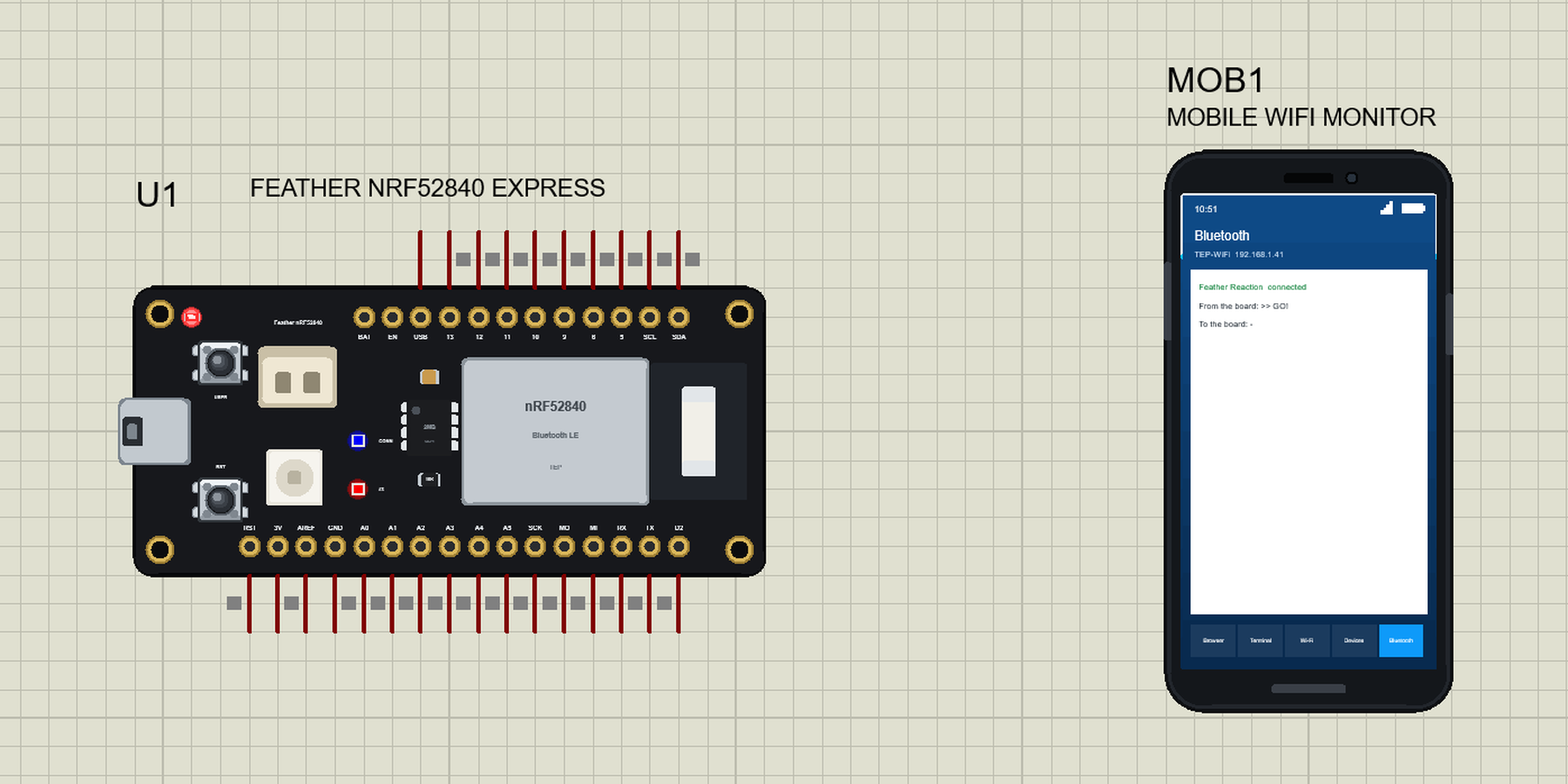
Hello friends, I hope you all are doing great. Today, I am going to share the Feather nRF52840 Express Library for Proteus, so you can run a Bluetooth LE simulation of Adafruit's popular Feather board. The Feather nRF52840 Express carries Nordic's nRF52840, an Arm Cortex-M4F at 64 MHz with Bluetooth LE and native USB, on a board of just 2.0 x 0.9 inches. With this library it runs your Arduino sketch in Proteus 8.5, talks to a phone over Bluetooth LE with Adafruit's Bluefruit library, and its red LED, blue CONN LED and USER switch work just like on the real board. For the demo we built a Bluetooth reaction timer. Press USER, wait for the red LED, press USER again as fast as you can: the board measures your reaction in milliseconds, keeps the best one and sends every result to a phone. NOTICE: Proteus has no nRF52840 model, so our team has put a lot of effort into building this board ourselves: the pins, the LEDs, the USER switch and Bluetooth LE are all our own model, and your sketch compiles with our free TEP Boards for Proteus add-on. Your feedback is the fuel that keeps us going, so please tell us what you think in the comments below. And if our free libraries help you, you can buy us a coffee. So, let's get started with the Feather nRF52840 Express Library for Proteus: The Feather nRF52840 Express is Adafruit's Bluetooth LE board in the Feather family, the small boards that all share one pinout so that add-on boards (FeatherWings) fit any of them. Its nRF52840 from Nordic ...
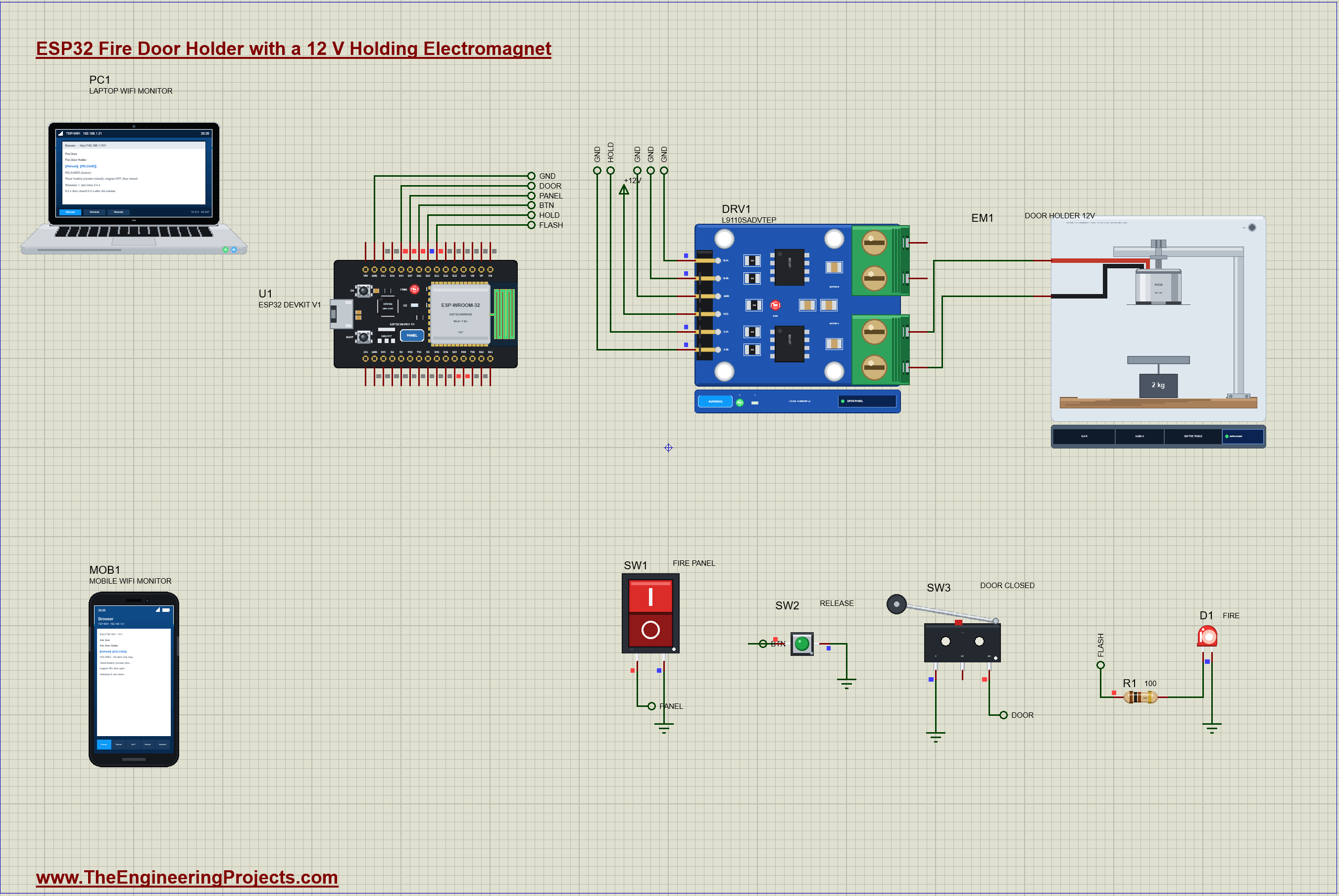
Hello friends, I hope you all are doing great. Today, I am going to share the Electromagnetic Fire Door Holder with ESP32 | Proteus Simulation, the forty-third project of our IoT Projects series. If you have searched for a Proteus simulation of an electromagnet controlled by an ESP32, or of the magnetic door holders that keep fire doors open in hospitals, schools and offices, here is a complete one. An ESP32 holds a fire door open with a 12 V holding electromagnet and lets it go the moment the fire alarm panel calls, when someone presses the RELEASE button, or when the power fails. Then it checks that the door really closed, and it serves a live web dashboard on a laptop or a phone. Fire doors stop smoke and flames from spreading along corridors and stairs, but only when they are shut, and a shut door in a busy corridor is a door that people wedge open with a chair. Magnetic door holders are the answer: the door stays open on a magnet during the day, and the fire alarm cuts the magnet's power so the door's closer pulls it shut. In this tutorial, we will go through the circuit, see how a holding electromagnet works and why it lets go some milliseconds after its power is cut, drive it from an ESP32 through an L9110S, learn why the fire panel's contact is normally closed and why the magnet is on only while it may hold, add a closing check that catches a jammed door, walk through the Arduino sketch, and then run the simulation: a release from the button, a fire alarm with a door ...
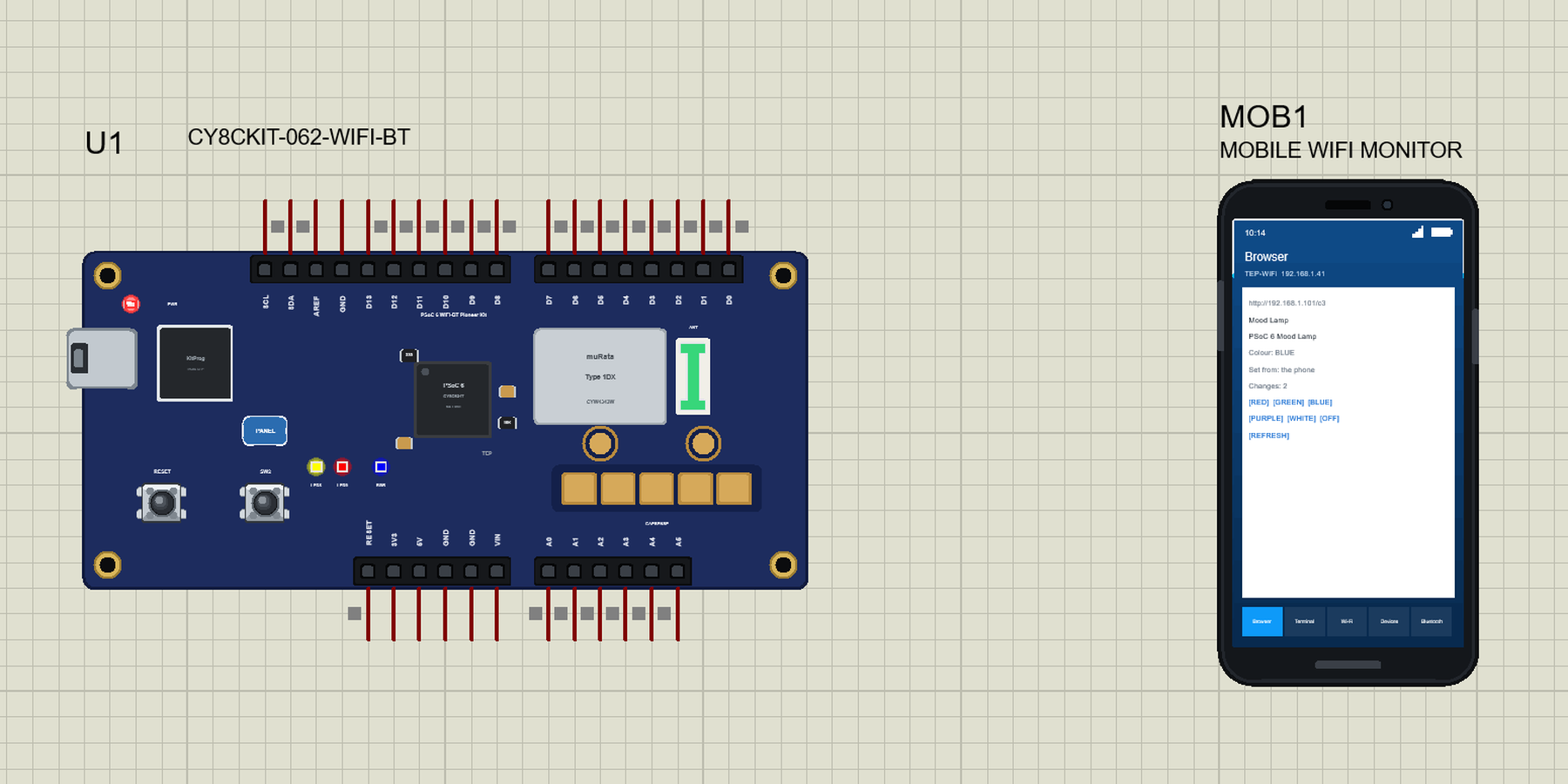
Hello friends, I hope you all are doing great. Today, I am going to share the PSoC 6 WiFi-BT Pioneer Kit Library for Proteus, so you can run a Wi-Fi simulation of Infineon's connected PSoC board. The kit (CY8CKIT-062-WIFI-BT) carries the PSoC 62, a dual-core microcontroller with an Arm Cortex-M4 and a Cortex-M0+, and a Murata module for Wi-Fi and Bluetooth. With this library it runs your Arduino sketch in Proteus 8.5, joins a Wi-Fi network, serves web pages to a phone, and its LEDs and the SW2 button work just like on the real kit. For the demo we built a Wi-Fi mood lamp. The kit's RGB LED is the lamp: you choose its colour on a web page from a phone, or step through the colours with SW2 on the board, and two small LEDs tell you whether the Wi-Fi is up and who chose the colour. NOTICE: Proteus has no PSoC 6 model, so our team has put a lot of effort into building this board ourselves: the pins, the LEDs, SW2, Wi-Fi and Bluetooth LE are all our own model, and your sketch compiles with our free TEP Boards for Proteus add-on. Your feedback is the fuel that keeps us going, so please tell us what you think in the comments below. And if our free libraries help you, you can buy us a coffee. So, let's get started with the PSoC 6 WiFi-BT Pioneer Kit Library for Proteus: The PSoC 6 WiFi-BT Pioneer Kit is Infineon's evaluation board for connected PSoC 6 designs. PSoC stands for Programmable System-on-Chip: the family was created by Cypress Semiconductor, which became part of Infineon in ...
Hello friends, I hope you all are doing great. Today, I am going to share the LP-CC2652R7 Library for Proteus, so you can run a Bluetooth LE simulation of TI's CC2652R7 LaunchPad. The LP-CC2652R7 carries the CC2652R7, a SimpleLink wireless microcontroller for Bluetooth LE, Thread and Zigbee, on the red LaunchPad with the XDS110 debug probe, a red and a green LED, two buttons and 40 BoosterPack pins. With this library it runs your Arduino sketch in Proteus 8.5, talks Bluetooth LE to a phone, and its LEDs and buttons work with a click. For the demo we built a Bluetooth nurse call button for a hospital room. The patient presses one button, the red LED lights and the nurse's phone shows the call; the nurse presses the other button on arrival, the green LED lights and the phone shows how long the patient waited. NOTICE: Proteus has no CC2652R7 model, so our team has put a lot of effort into building this board ourselves: the BoosterPack pins, the LEDs, the buttons and Bluetooth LE are all our own model, and your sketch compiles with our free TEP Boards for Proteus add-on. Your feedback is the fuel that keeps us going, so please tell us what you think in the comments below. And if our free libraries help you, you can buy us a coffee. So, let's get started with the LP-CC2652R7 Library for Proteus: The LP-CC2652R7 is TI's LaunchPad development kit for the CC2652R7, a SimpleLink multi-standard wireless MCU. The chip has an Arm Cortex-M4F, 704 KB of flash, 152 KB of RAM, 31 GPIOs, a ...
Hello friends, I hope you all are doing great. Today, I am going to share the Arduino Portenta H7 Library for Proteus, so you can run a Wi-Fi simulation of Arduino's professional board. The Portenta H7 carries the STM32H747, a dual-core microcontroller with a Cortex-M7 at 480 MHz and a Cortex-M4 at 240 MHz, and a Murata module for Wi-Fi and Bluetooth, on a board the size of an MKR. With this library it runs your Arduino sketch in Proteus 8.5, joins a Wi-Fi network, serves web pages to a phone, and its RGB LED shows what is going on. For the demo we built a Wi-Fi greenhouse fan. A BME280 measures the air, a relay runs the fan when it gets hot, and a web page on the board lets you watch the greenhouse from a phone and force the fan on or off. NOTICE: Proteus has no STM32H747 model, so our team has put a lot of effort into building this board ourselves: the pins, the RGB LED, Wi-Fi and Bluetooth LE are all our own model, and your sketch compiles with our free TEP Boards for Proteus add-on. Your feedback is the fuel that keeps us going, so please tell us what you think in the comments below. And if our free libraries help you, you can buy us a coffee. So, let's get started with the Arduino Portenta H7 Library for Proteus: The Portenta H7 is the first board of Arduino's Pro range. It follows the MKR form factor, with two rows of 14 pins along the long edges, and adds two 80-pin high-density connectors underneath for carrier boards. Its STM32H747 has two cores: a Cortex-M7 at 480 ...
Hello friends, I hope you all are doing great. Today, I am going to share the FRDM-MCXN947 Library for Proteus, so you can run a simulation of NXP's newest FRDM board in Proteus. The FRDM-MCXN947 carries the MCX N947, a microcontroller with two Arm Cortex-M33 cores and a neural processing unit for machine learning, on a black board with an RGB LED, two user buttons, Arduino R3 headers and a mikroBUS socket. With this library it runs your Arduino sketch in Proteus 8.5, and its LED and buttons work with a click. For the demo we built a tiny AI room comfort sensor. A small neural network, trained on a PC and copied into the sketch, reads a BME280 and decides whether the room is COLD, COMFORT or HOT/HUMID - and the RGB LED turns blue, green or red. No cloud, no thresholds written by hand: the network learned them. NOTICE: Proteus has no MCX N947 model, so our team has put a lot of effort into building this board ourselves: the headers, the RGB LED and the buttons are all our own model, and your sketch compiles with our free TEP Boards for Proteus add-on. Your feedback is the fuel that keeps us going, so please tell us what you think in the comments below. And if our free libraries help you, you can buy us a coffee. So, let's get started with the FRDM-MCXN947 Library for Proteus: The FRDM-MCXN947 is NXP's low-cost development board for the MCX N94x family. Its MCX N947 has two Arm Cortex-M33 cores at 150 MHz, 2 MB of flash in two banks and 512 KB of RAM, and next to them the eIQ ...