Hello friends, I hope you all are doing great. Today, I am going to share the Raspberry Pi CM4 IO Board Library for Proteus . The Raspberry Pi Compute Module 4 is the Pi 4 made for products: the same BCM2711 with four Cortex-A72 cores at 1.5 GHz , 4 GB of RAM and 32 GB of eMMC flash on a module the size of a matchbox, plugged into its official IO Board with the 40-pin GPIO header , a PCIe slot, Gigabit Ethernet and two HDMI sockets. With this library the CM4 runs your Python program against the circuit in Proteus 8.5, on our virtual network. Updates Raspberry Pi CM4 IO Board Library for Proteus Latest version: V1.0 (October 2026, this tutorial) Other Raspberry Pi boards: Pico · Pico W · Pico 2 W · Pico 2 · Pico W MicroPython · Pi Model B · Pi 1 B+ · Pi 2 Model B · Pi 3 Model B · Pi 3 Model ...
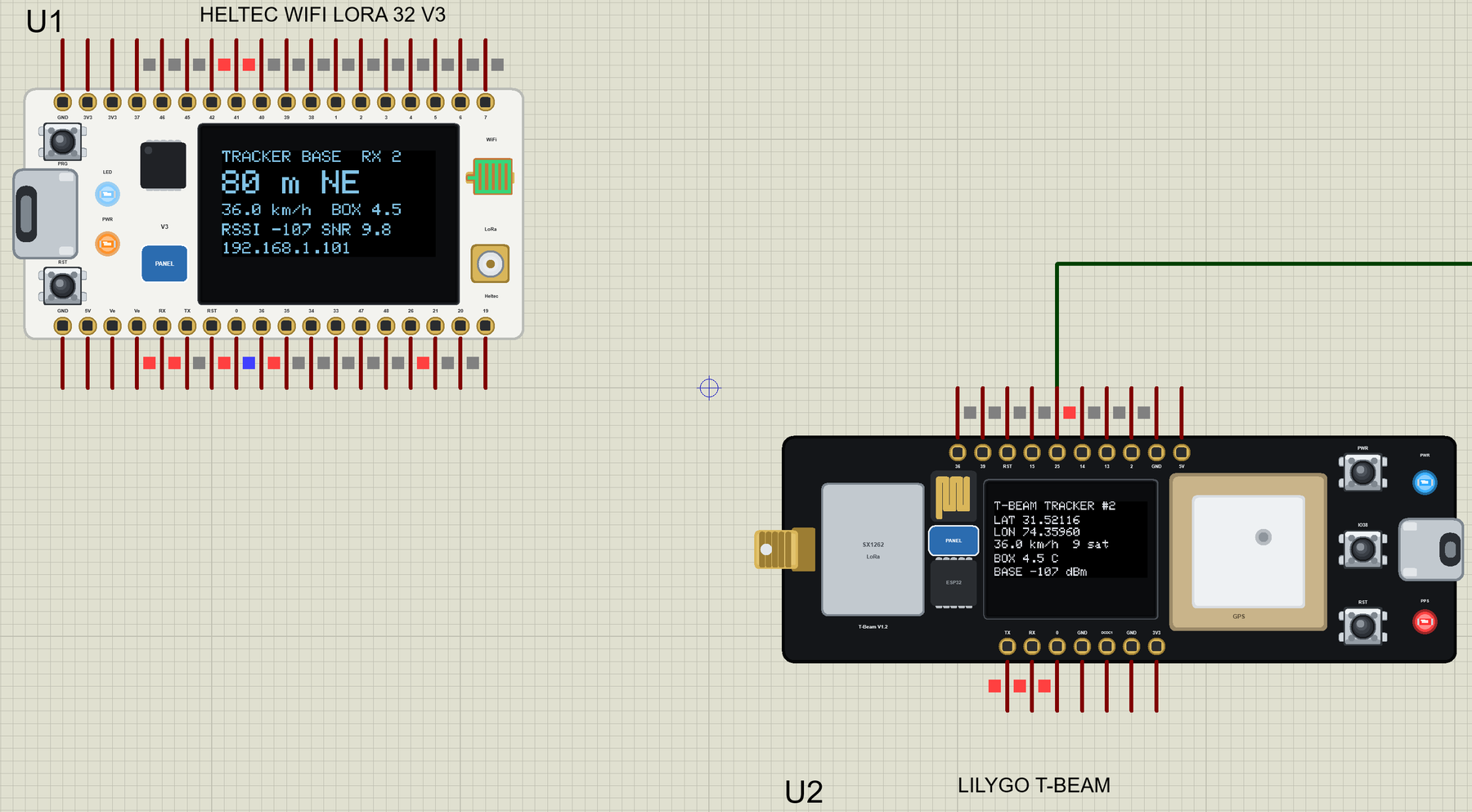
Hello friends, I hope you all are doing great. Today, I am going to share the LilyGO T-Beam Library for Proteus . The T-Beam is the board behind countless LoRa trackers and Meshtastic nodes: an ESP32 with Wi-Fi, a LoRa radio , a u-blox GPS receiver with its big ceramic antenna and a holder for an 18650 cell, all on one long board. With this library it runs your T-Beam sketch in Proteus 8.5 - and the GPS moves. Updates LilyGO T-Beam Library for Proteus Latest version: V1.0 (October 2026, this tutorial) Other ESP32 boards and modules: ESP32 DevKit V1 · ESP32-DevKitC V4 · ESP32-S3 DevKitC-1 · ESP32-C3 SuperMini · ESP32-C6 DevKitC-1 · TTGO T-Display · T-Display S3 · XIAO ESP32-C3 · XIAO ESP32-S3 · ESP32 Feather V2 · QT Py ESP32-S3 · ESP32-C5 DevKitC-1 · Olimex ESP32-POE · FireBeetle 2 ESP32-E ...
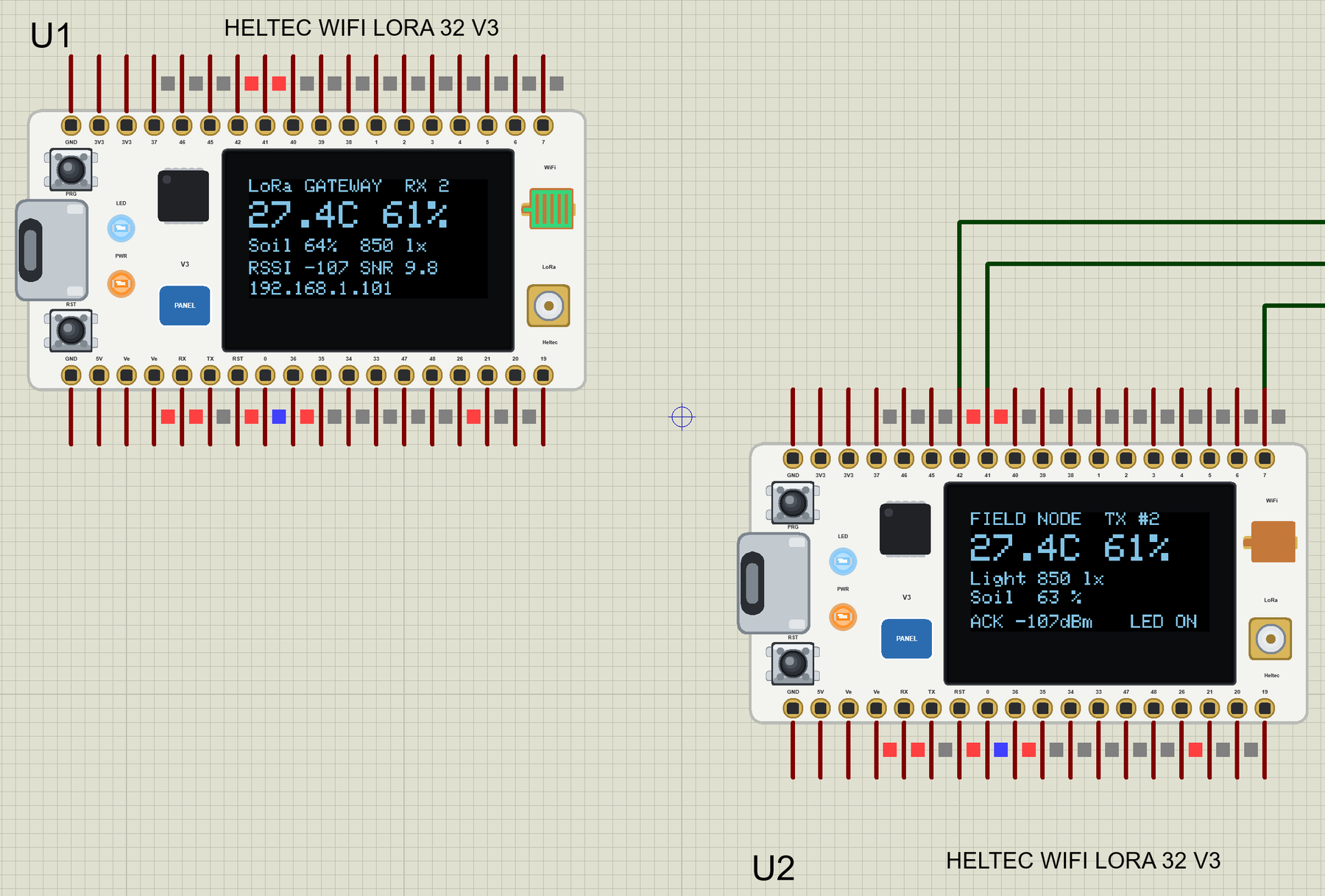
Hello friends, I hope you all are doing great. Today, I am going to share the Heltec WiFi LoRa 32 V3 Library for Proteus . The Heltec V3 is the little white board that so many LoRa projects start with: an ESP32-S3 with Wi-Fi, a Semtech SX1262 LoRa radio for links of kilometres, and a 0.96" OLED to show what is going on - all on one board the size of a matchbox. With this library it runs your Heltec V3 sketch in Proteus 8.5, radio and OLED included. Updates Heltec WiFi LoRa 32 V3 Library for Proteus Latest version: V1.0 (October 2026, this tutorial) Other ESP32 boards and modules: ESP32 DevKit V1 · ESP32-DevKitC V4 · ESP32-S3 DevKitC-1 · ESP32-C3 SuperMini · ESP32-C6 DevKitC-1 · TTGO T-Display · T-Display S3 · XIAO ESP32-C3 · XIAO ESP32-S3 · ESP32 Feather V2 · QT Py ESP32-S3 · ESP32-C5 DevK ...
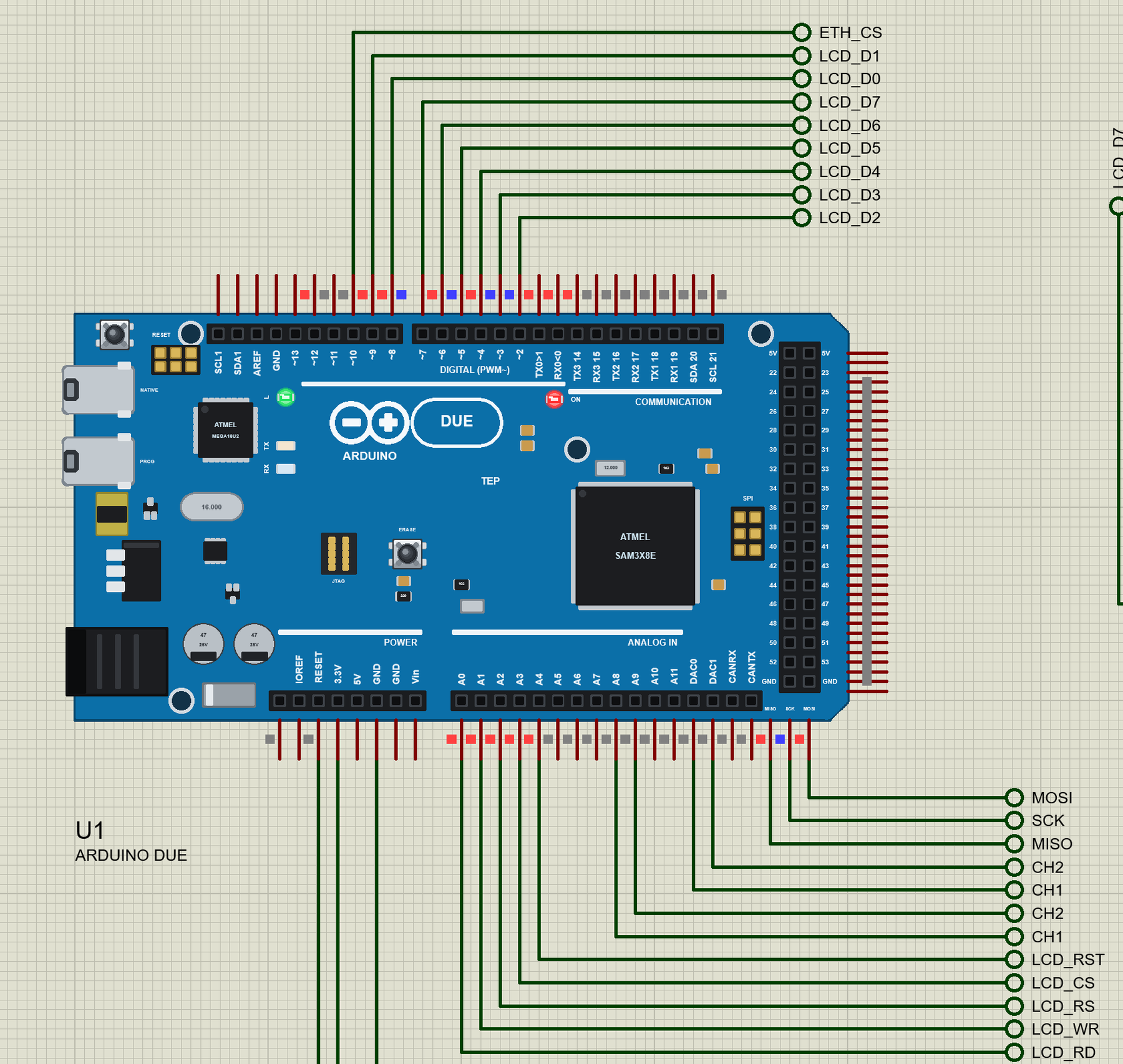
Hello friends, I hope you all are doing great. Today, I am going to share the Arduino Due Library for Proteus . The Due was the first Arduino with a 32-bit ARM processor: an Atmel SAM3X8E - a Cortex-M3 at 84 MHz with 512 KB of flash and 96 KB of RAM - on the big Mega-sized board, with the Mega's headers and two things no AVR Arduino has: two real DACs . With this library it runs your Arduino Due sketch in Proteus 8.5, with the Due's own pin numbers. Updates Arduino Due Library for Proteus Latest version: V1.0 (October 2026, this tutorial) Other new Arduino boards: UNO R4 WiFi · Nano ESP32 · UNO WiFi Rev2 · Nano 33 IoT · UNO Q · UNO R4 Minima · Nano Every · MKR WiFi 1010 · Nano RP2040 Connect · STM32 Black Pill · Nucleo-F401RE · STM32 Blue Pill · Teensy 4.1 · Arduino Leonardo · Arduino Micr ...
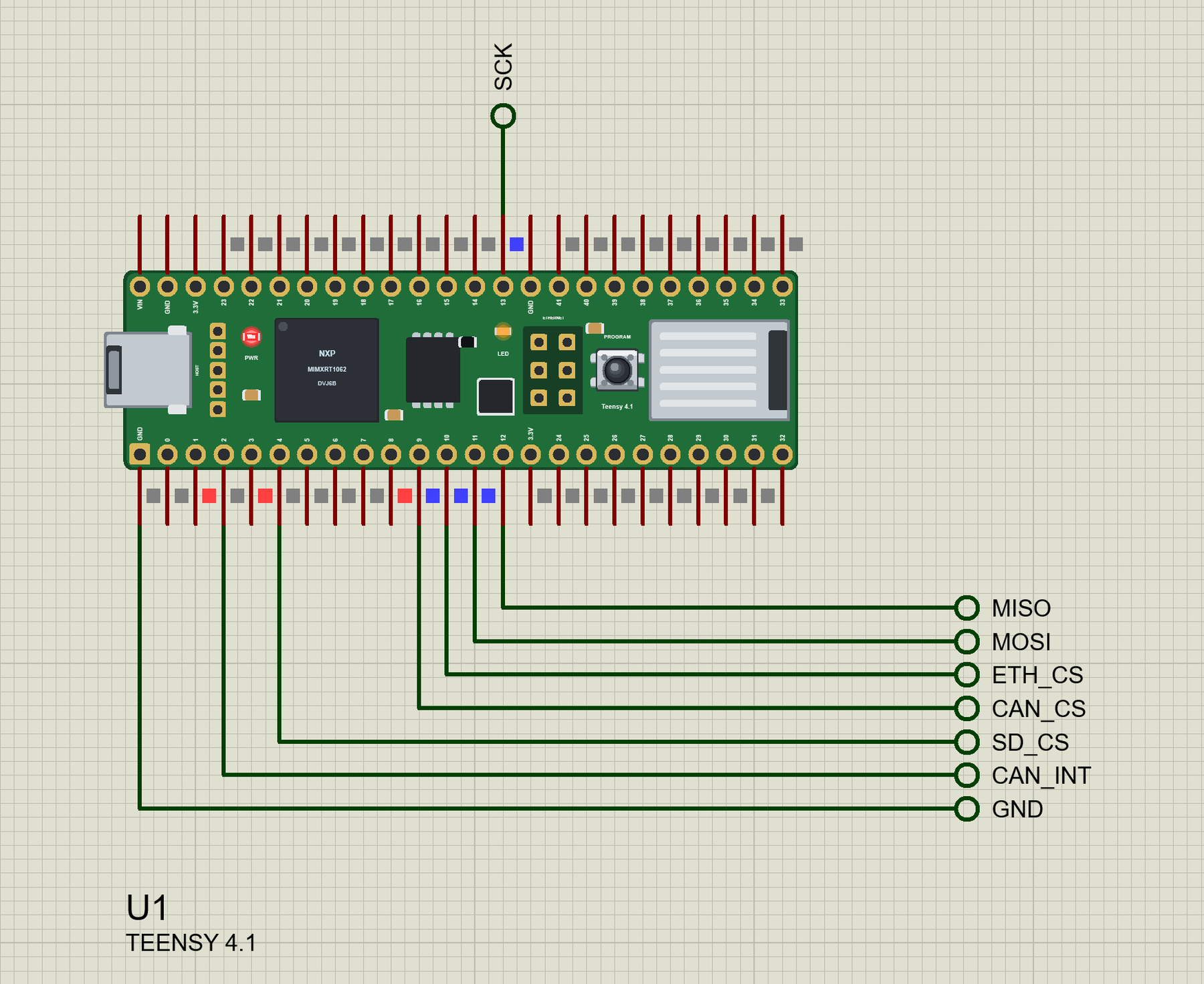
Hello friends, I hope you all are doing great. Today, I am going to share the Teensy 4.1 Library for Proteus . The Teensy 4.1 from PJRC is one of the fastest boards you can program in the Arduino IDE: an NXP i.MX RT1062 - an ARM Cortex-M7 at 600 MHz with 1 MB of RAM and 8 MB of flash - on a stick of a board 61 mm long. With this library it runs your Teensy Arduino sketch in Proteus 8.5, with the Teensy's own pin numbers. Updates Teensy 4.1 Library for Proteus Latest version: V1.0 (October 2026, this tutorial) Other new Arduino boards: UNO R4 WiFi · Nano ESP32 · UNO WiFi Rev2 · Nano 33 IoT · UNO Q · UNO R4 Minima · Nano Every · MKR WiFi 1010 · Nano RP2040 Connect · STM32 Black Pill · Nucleo-F401RE · STM32 Blue Pill · Arduino Due · Arduino Leonardo · Arduino Micro · BBC micro:bit V2 · GIGA R ...
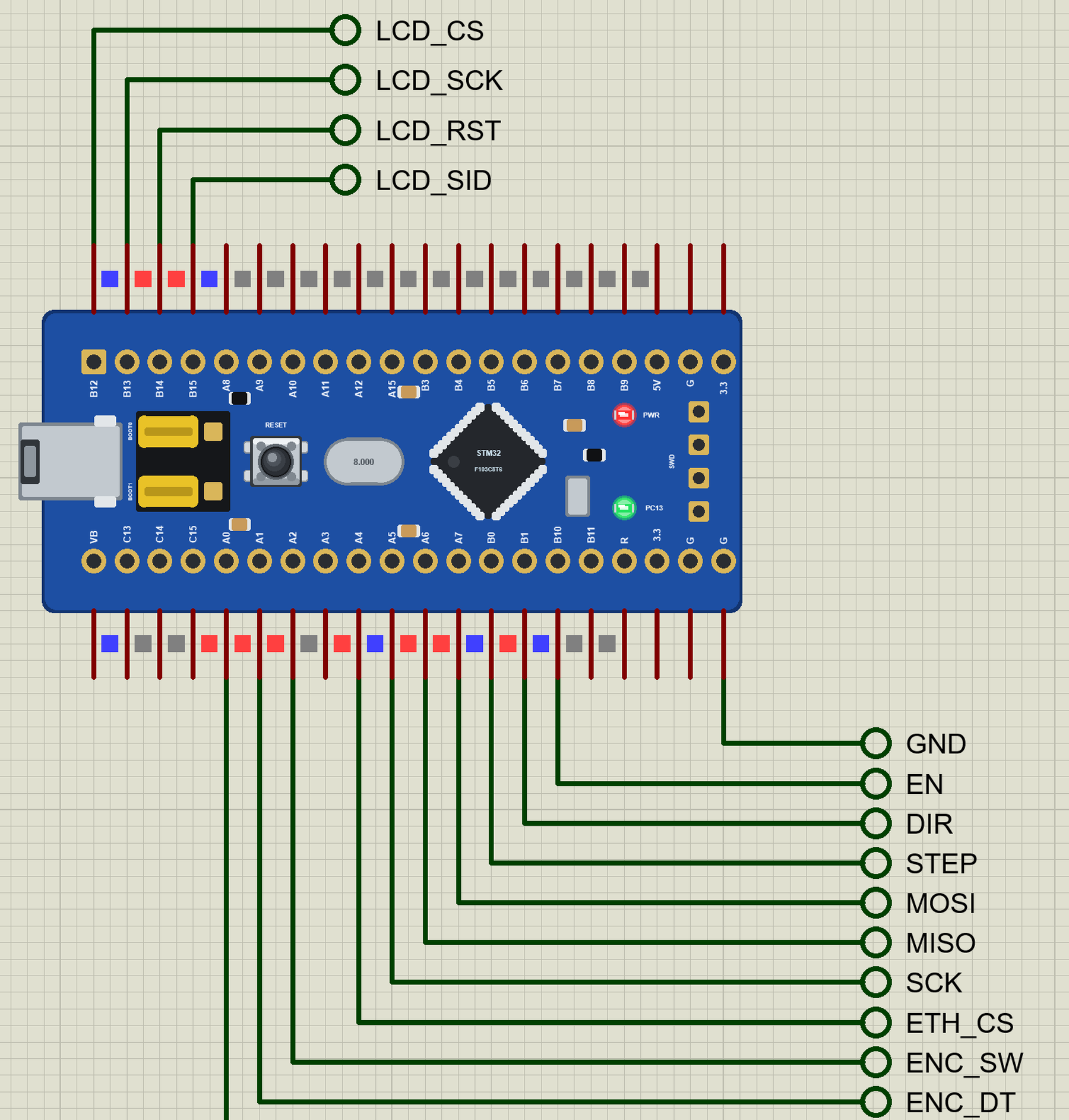
Hello friends, I hope you all are doing great. Today, I am going to share the STM32 Blue Pill Library for Proteus . The Blue Pill is the board that brought STM32 to hobbyists: an STM32F103C8T6 - an ARM Cortex-M3 at 72 MHz with 64 KB of flash and 20 KB of RAM - on a small blue board that costs less than an Arduino Nano. With this library it runs your STM32 Arduino sketch in Proteus 8.5, with the STM32 core's pin names. Updates STM32 Blue Pill Library for Proteus Latest version: V1.0 (October 2026, this tutorial) Other new Arduino boards: UNO R4 WiFi · Nano ESP32 · UNO WiFi Rev2 · Nano 33 IoT · UNO Q · UNO R4 Minima · Nano Every · MKR WiFi 1010 · Nano RP2040 Connect · STM32 Black Pill · Nucleo-F401RE · Teensy 4.1 · Arduino Due · Arduino Leonardo · Arduino Micro · BBC micro:bit V2 · GIGA R1 W ...
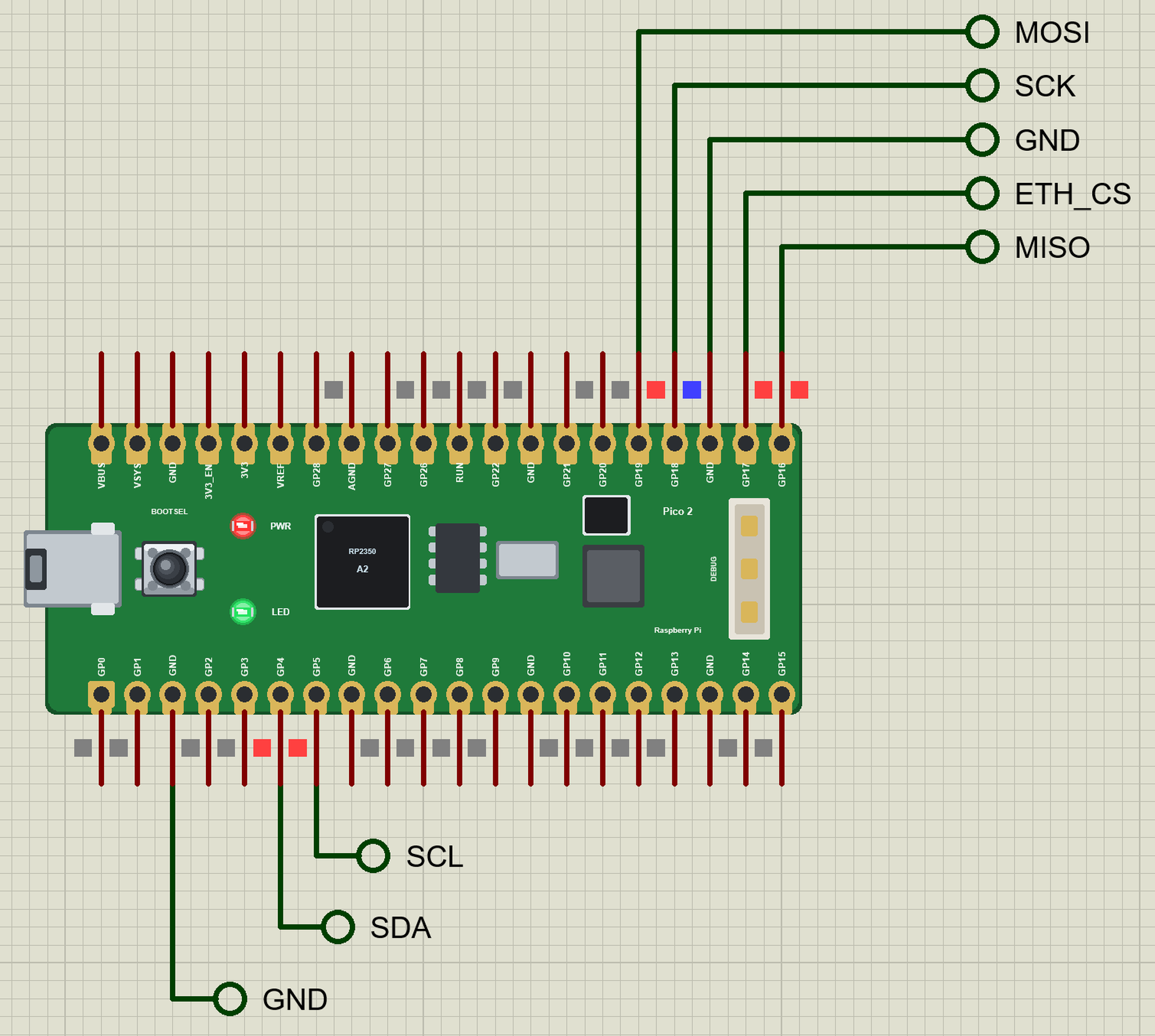
Hello friends, I hope you all are doing great. Today, I am going to share the Raspberry Pi Pico 2 Library for Proteus . The Pico 2 is the second generation of the Raspberry Pi Pico: the same 51 x 21 mm board and the same pins, with the new RP2350 - two Arm Cortex-M33 cores (or two RISC-V cores) at 150 MHz and 520 KB of RAM - in place of the RP2040. With this library it runs your Pico 2 Arduino sketch in Proteus 8.5, with the GP pin numbers of the arduino-pico core. Updates Raspberry Pi Pico 2 Library for Proteus Latest version: V1.0 (October 2026, this tutorial) Other Raspberry Pi boards: Pico · Pico W · Pico 2 W · Pico W MicroPython · Pi Model B · Pi 1 B+ · Pi 2 Model B · Pi 3 Model B · Pi 3 Model B+ · Pi 3 Model A+ · Pi 4 Model B · Pi 5 · Pi Zero W · Pi Zero 2 W · Pi 400 · Pi 500 · Pi CM ...
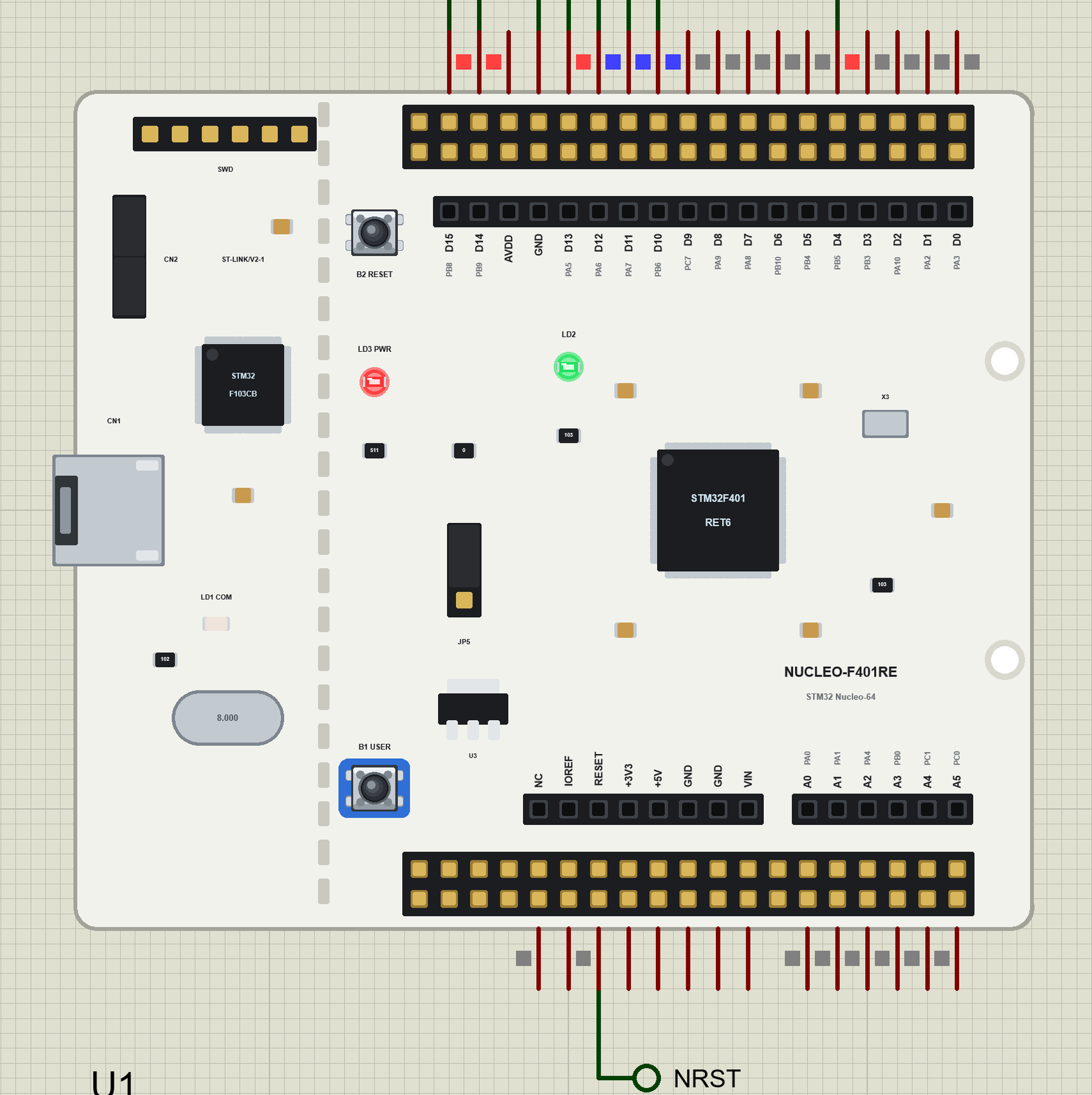
Hello friends, I hope you all are doing great. Today, I am going to share the STM32 Nucleo-F401RE Library for Proteus . The Nucleo-F401RE is ST's own development board: an STM32F401RET6 - an ARM Cortex-M4 with a floating-point unit at 84 MHz, 512 KB of flash and 96 KB of RAM - with a debugger on board and the Arduino UNO headers , so Arduino shields plug straight on. With this library it runs your STM32 Arduino sketch in Proteus 8.5, with the Arduino pin numbers and the STM32 names of the header pins. Updates STM32 Nucleo-F401RE Library for Proteus Latest version: V1.0 (October 2026, this tutorial) Other new Arduino boards: UNO R4 WiFi · Nano ESP32 · UNO WiFi Rev2 · Nano 33 IoT · UNO Q · UNO R4 Minima · Nano Every · MKR WiFi 1010 · Nano RP2040 Connect · STM32 Black Pill · STM32 Blue Pill · ...
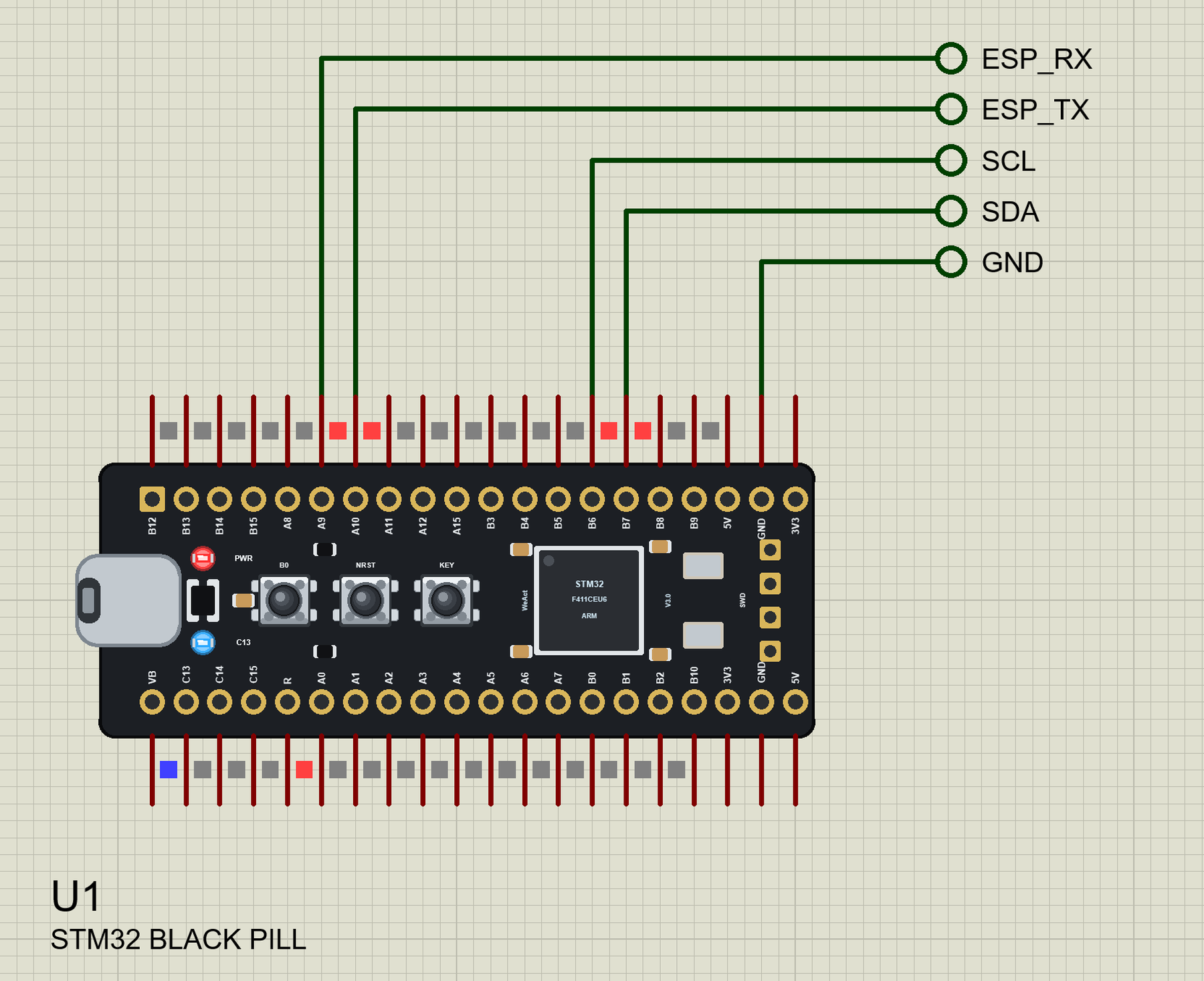
Hello friends, I hope you all are doing great. Today, I am going to share the STM32 Black Pill Library for Proteus . The Black Pill from WeAct Studio is the favourite cheap STM32 board: an STM32F411CEU6 - an ARM Cortex-M4 with a floating-point unit at 100 MHz, 512 KB of flash and 128 KB of RAM - on a 53 x 21 mm board with USB-C and 40 pins that fits a breadboard. With this library it runs your STM32 Arduino sketch in Proteus 8.5, with the STM32 core's pin names. Updates STM32 Black Pill Library for Proteus Latest version: V1.0 (October 2026, this tutorial) Other new Arduino boards: UNO R4 WiFi · Nano ESP32 · UNO WiFi Rev2 · Nano 33 IoT · UNO Q · UNO R4 Minima · Nano Every · MKR WiFi 1010 · Nano RP2040 Connect · Nucleo-F401RE · STM32 Blue Pill · Teensy 4.1 · Arduino Due · Arduino Leonardo · ...
Hello friends, I hope you all are doing great. Today, I am going to share the Raspberry Pi 500 Library for Proteus . The Raspberry Pi 500 is a Raspberry Pi 5 built into a keyboard: the BCM2712 at 2.4 GHz with 8 GB of RAM, the RP1 I/O controller, Gigabit Ethernet , Wi-Fi, two micro-HDMI outputs and the usual 40-pin GPIO header at the back. With this library the keyboard runs your Python program against the circuit in Proteus 8.5, on our virtual network. Updates Raspberry Pi 500 Library for Proteus Latest version: V1.0 (October 2026, this tutorial) Other Raspberry Pi boards: Pico · Pico W · Pico 2 W · Pico 2 · Pico W MicroPython · Pi Model B · Pi 1 B+ · Pi 2 Model B · Pi 3 Model B · Pi 3 Model B+ · Pi 3 Model A+ · Pi 4 Model B · Pi 5 · Pi Zero W · Pi Zero 2 W · Pi 400 · Pi CM4 · Pi 2 · Pi 3 ...